
Lazer Workz
Aluminum, Brass, Copper, Steel & Titanium Settings for LightBurn — 30 Setup Libraries
Aluminum, Brass, Copper, Steel & Titanium Settings for LightBurn — 30 Setup Libraries
Couldn't load pickup availability
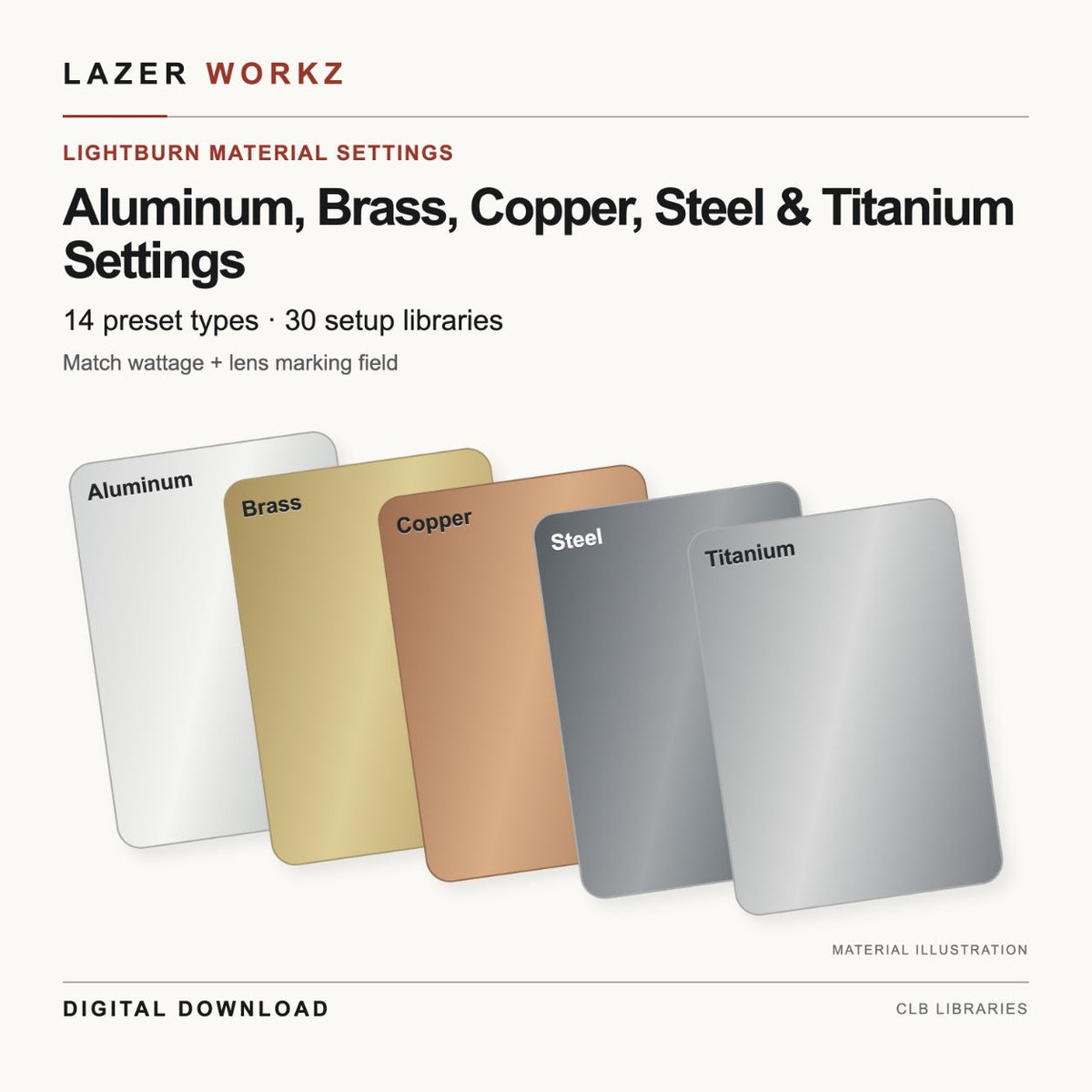
Aluminum, Brass, Copper, Steel & Titanium presets from the full material library
A focused selection of the existing Aluminum, Brass, Copper, Steel, Titanium categories. The preset values, links and sublayers are unchanged from the Lazer Workz full material library.
What you receive
One ZIP with 30 setup-specific LightBurn CLB libraries, the same 14 preset types per setup, an exact setup index and README. Thirty libraries repeat the selected preset types across different wattage and marking-field profiles.
Included presets
- Aluminum / Finish / Dark Finish (Dark)
- Aluminum / Finish / Deep Engrave
- Aluminum / Finish / White Finish (Light)
- Brass / Finish / Engrave
- Brass / Finish / Black Deep
- Copper / Finish / Engrave
- Steel / Finish / Engrave
- Steel / Finish / White Finish
- Steel / Finish / Darkening Pass
- Steel / Finish / Annealing
- Steel / Finish / Deep Engrave
- Titanium / Finish / Engrave
- Titanium / Finish / Darkening Pass
- Titanium / Finish / Annealing
Already own the full material library?
These settings are already included in the full Lazer Workz Fiber Laser Material Settings Library. This focused selection contains no exclusive new presets or new parameter values. Existing full-library owners do not need to buy it again for their covered setup. The focused selections also overlap one another wherever the same material category is included.
Included setups
- 100W / 110 × 110 mm
- 100W / 150 × 150 mm
- 100W / 175 × 175 mm
- 100W / 70 × 70 mm
- 10W / 175 × 175 mm
- 20W / 110 × 110 mm
- 20W / 150 × 150 mm
- 20W / 175 × 175 mm
- 20W / 254 × 254 mm
- 30W / 160 × 160 mm
- 30W / 170 × 170 mm
- 30W / 175 × 175 mm
- 30W / 200 × 200 mm
- 50W / 140 × 140 mm
- 50W / 175 × 175 mm
- 50W / 200 × 200 mm
- 50W / 210 × 210 mm
- 50W / 220 × 220 mm
- 50W / 230 × 230 mm
- 50W / 290 × 290 mm
- 50W / 300 × 300 mm
- 50W / 70 × 70 mm
- 60W / 100 × 100 mm
- 60W / 110 × 110 mm
- 60W / 130 × 130 mm
- 60W / 175 × 175 mm
- 60W / 215 × 215 mm
- 60W / 70 × 70 mm
- 80W / 100 × 100 mm
- 80W / 210 × 210 mm
Match your machine
Choose the file matching both your exact wattage and lens marking-field dimensions. Do not substitute the nearest profile. A wattage and field match does not guarantee equivalent results across different laser sources, focus, materials or machine calibration. Confirm source compatibility and use your normal material-check workflow before production. No additional alloy, coating or machine compatibility is implied by the category name.
Digital material-library files only. No artwork, physical product, hardware, LightBurn software license, course or rotary setup is included.
License
For personal and small-business use to create physical projects. Do not resell, share or redistribute the digital files.
How to load your file
- Download and extract the ZIP on your computer. Read the README and setup index, then choose the CLB that matches both your laser wattage and marking-field dimensions. Field size is not lens focal length. Do not substitute a nearby setup.
- Open LightBurn with your existing device profile. Open Window → Library if the Library panel is hidden. Back up your current library, click Load, and select the matching extracted CLB.
- Expand the material category and choose a preset. Select the layer you want to configure and click Assign. Inspect all copied settings and sublayers before use.
- Confirm focus, source compatibility and machine calibration. Test suitable scrap of the same material before working on a finished item. These files do not replace device configuration or calibration.
Need help? Email lazerworkzz@gmail.com with your order number, product name, LightBurn version, laser source/model, wattage and marking-field size.
Included Formats
Included Formats
See description for formats.
Dimensions
Dimensions
Check this product’s description for dimensions or setup details. Verify scale and fit against your own workpiece before engraving; dimensions and compatibility vary by product.
-
Digital delivery
Files are delivered electronically—nothing is shipped. Check the listing for included formats and access details.
-
Before you buy
Check the listing for compatibility, included formats, software notes, dimensions, and usage terms before purchasing.