

Lazer Workz
Fiber Laser Material Settings Library for LightBurn — Choose Wattage & Lens
Fiber Laser Material Settings Library for LightBurn — Choose Wattage & Lens
Couldn't load pickup availability
Choose your exact setup. Download instantly.
Select your fiber laser wattage and lens/field size from the Laser setup menu. After payment, Shopify sends the matching ZIP download automatically—no waiting for manual fulfillment.
What you receive
- One LightBurn
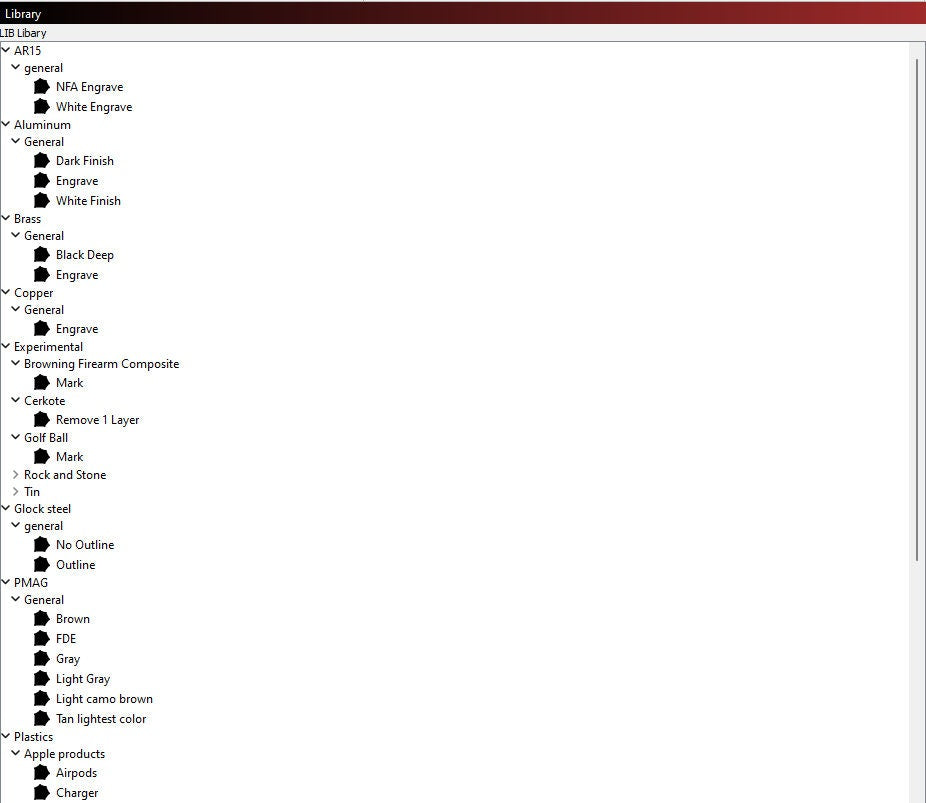
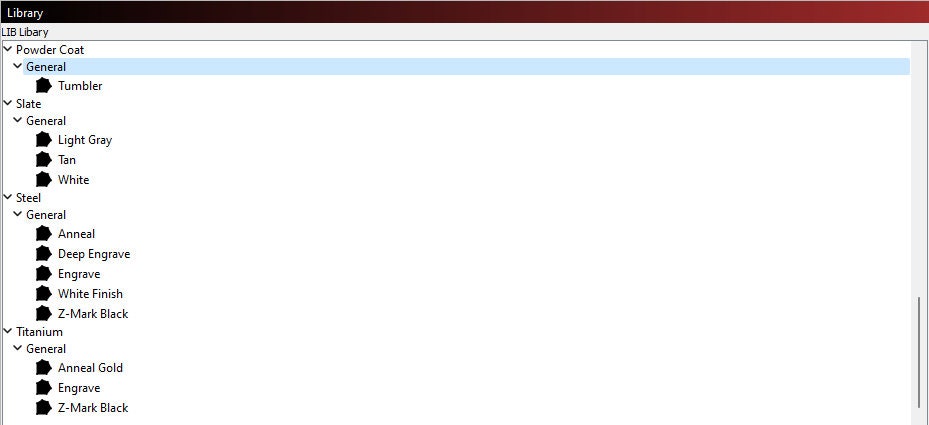
.clbmaterial library matched to the setup you select - 37 starting-point presets across 13 material groups
- A quick-start installation guide
- ZIP-format instant digital download
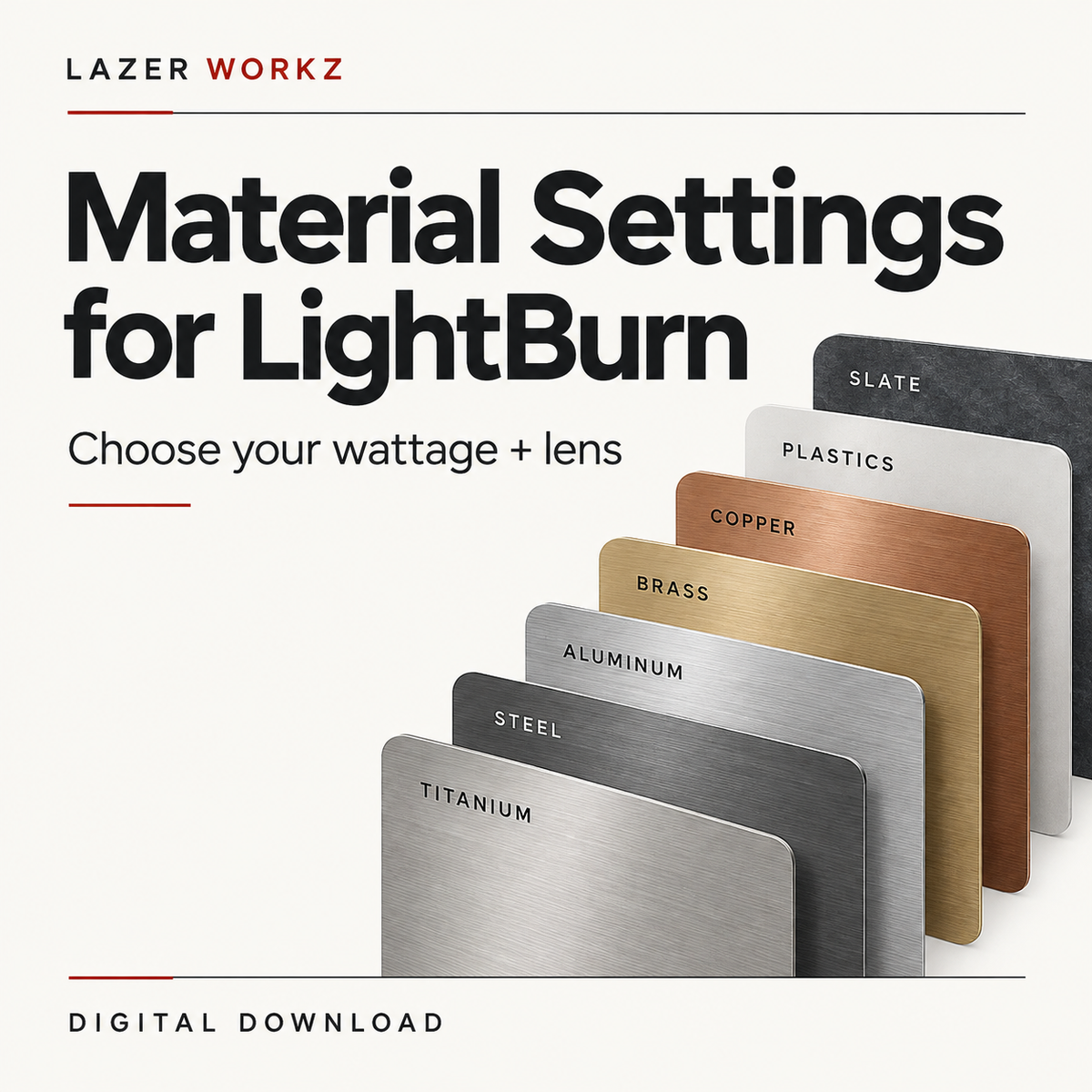
Material groups include AR15, Aluminum, Brass, Copper, Glock, Glock Steel, PMAG, Plastics, Slate, Steel, Testing, Titanium, and Tumbler.
Choose the correct option
The menu uses marking-field dimensions, such as 110 × 110 mm or 200 × 200 mm. These are not lens focal-length measurements. Check your machine documentation and LightBurn setup, then select the exact listed wattage and field size. If your setup is not listed, contact File Support before purchasing.
Important
These are starting-point presets, not guaranteed final settings for your machine. Results vary with the laser source, pulse width and frequency range, lens calibration, focus, material alloy or coating, and desired finish. Always test on scrap material first and adjust safely for your machine.
How to install
- Download and unzip the file.
- Open LightBurn.
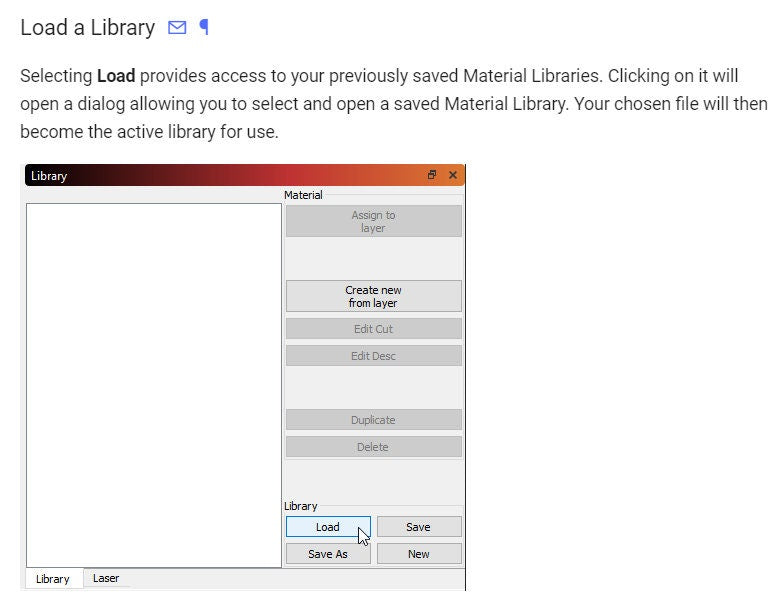
- Open Window > Library.
- Select Load and choose the included
.clbfile. - Expand a material category and select a preset.
License
For personal and small-business use. You may use these settings to create physical products. You may not resell, share, upload, or redistribute the digital library file or download package.
Digital product only. No physical item will be shipped.
Included Formats
Included Formats
See description for formats.
Laser setup
Laser setup
Choose the wattage and lens field size that match your machine. No physical item is included. Check both values in the setup selector before adding this library.

-
Digital delivery
Files are delivered electronically—nothing is shipped. Check the listing for included formats and access details.
-
Before you buy
Check the listing for compatibility, included formats, software notes, dimensions, and usage terms before purchasing.